
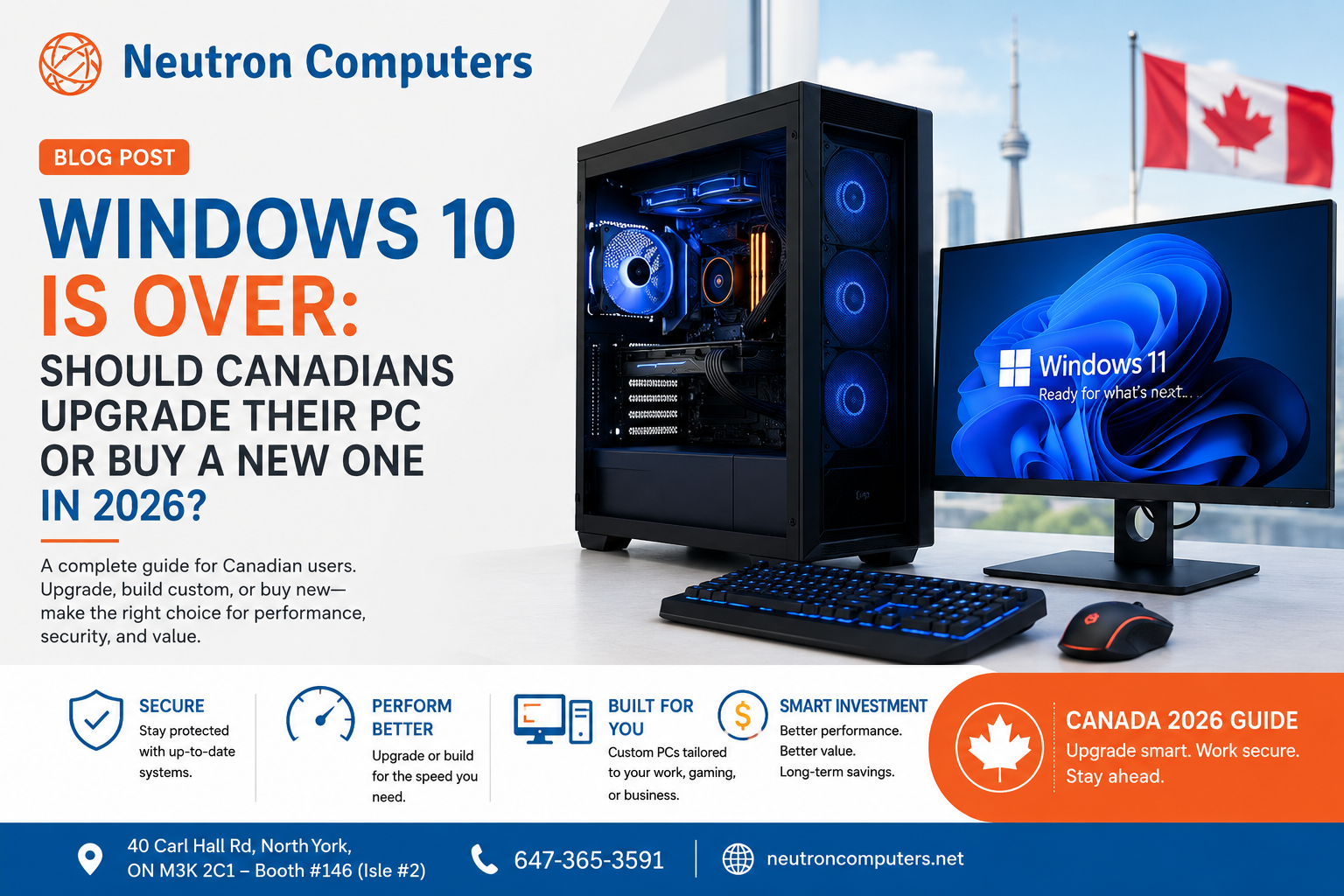
For millions of computer users, 2026 represents an important turning point.
Microsoft officially ended support for Windows 10 on October 14, 2025. Computers running Windows 10 haven’t suddenly stopped working, but standard technical assistance, feature updates, and security updates are no longer provided for the operating system. support.microsoft.com
For Canadian home users, gamers, professionals, and small businesses, that raises an important question:
Should you upgrade your existing computer, improve its hardware, or replace it with a new Windows 11 PC?
The answer isn’t necessarily “buy a new computer.”
Before spending hundreds—or potentially thousands—of dollars, it’s worth understanding what your current system can still do.
Why Windows 10 End of Support Matters in Canada
A computer running Windows 10 can continue operating after the end-of-support date.
The bigger issue is security.
Without normal Windows 10 security fixes, unsupported computers can become increasingly vulnerable as new threats and vulnerabilities emerge. Microsoft recommends moving eligible computers to Windows 11, using Extended Security Updates where appropriate, or replacing devices that can’t support Windows 11. support.microsoft.com
This matters even more for computers used for activities such as online banking, business documents, customer information, remote work, email, cloud applications and online purchases.
Canada’s cyber-threat environment is also evolving. The Canadian Centre for Cyber Security has specifically identified AI-amplified cyber threats and increasingly sophisticated threat-actor techniques among the trends affecting Canada’s threat landscape. cyber.gc.ca
Keeping an outdated computer indefinitely therefore isn’t simply a performance decision—it can become a security decision.
First Question: Can Your Computer Run Windows 11?
Before buying anything, determine whether your current PC actually needs replacing.
Microsoft recommends using its PC Health Check tool or Windows Update to determine whether a Windows 10 computer meets Windows 11’s hardware requirements. support.microsoft.com
If your computer is compatible, upgrading the operating system may be all you need.
However, if your computer isn’t compatible—or already struggles with everyday tasks—it may be time to examine the hardware itself.
Option 1: Upgrade Your Existing Computer
One of the biggest mistakes computer owners make is assuming that a slow PC automatically needs to be replaced.
Sometimes a relatively simple hardware upgrade can dramatically improve everyday performance.
For example, upgrading from an older mechanical hard drive to an SSD can make startup and application loading noticeably faster.
Adding RAM can help computers handle more applications simultaneously.
Depending on the system, upgrading components such as the graphics card, storage, memory, cooling, or other hardware can extend the useful life of a PC.
This is particularly valuable with desktop computers, where many components can often be upgraded individually.
Instead of replacing an entire system because one component is holding it back, a targeted upgrade may provide much better value.
Option 2: Build a Custom PC
For users who need significantly more performance, a custom-built PC can be an attractive alternative to purchasing a standard pre-built computer.
The advantage is simple:
You choose where your money goes.
A gaming computer may prioritize its GPU and cooling.
A video-editing workstation may need substantial RAM, fast storage, a capable processor and GPU acceleration.
An office computer may instead prioritize reliability, efficiency and value.
That’s also where custom PC specialists can help.
Rather than paying for specifications you don’t need, your system can be configured around the work you actually perform.
Neutron Computers specializes in custom systems, gaming rigs, workstations, upgrades, repairs and performance tuning, making this approach particularly relevant for customers who want to improve performance without blindly replacing everything. neutroncomputers.net
Option 3: Replace the Computer
There is also a point where upgrading old hardware no longer makes financial sense.
If several major components are outdated, the computer doesn’t meet Windows 11 requirements, performance is poor, and additional repairs are becoming necessary, investing more money into the system may only delay the inevitable.
In that situation, replacing the PC can provide a cleaner long-term solution.
Newer computers can provide faster processors, improved energy efficiency, faster SSD storage, newer connectivity standards, stronger security capabilities and access to newer computing features.
And another trend is entering the equation: AI-capable PCs.
Industry projections cited by CDW suggest AI PCs could account for around 55% of the total PC market in 2026, illustrating how quickly AI-focused hardware is moving toward the mainstream. cdw.com
That doesn’t mean everyone needs an AI PC today. It does mean buyers should think about what they’ll need from their computer over the next several years—not just today.
Upgrade or Replace? A Simple Rule
Think about your computer in terms of value rather than age alone.
If the system is reliable, compatible with Windows 11 and only needs additional RAM or faster storage, upgrading may be the smarter investment.
If you need substantially more performance, a carefully selected hardware upgrade or custom build could provide better value.
But if your computer is incompatible with Windows 11, multiple components are outdated and repair or upgrade costs keep increasing, replacement becomes easier to justify.
The important thing is to diagnose before you buy.
Don’t Forget Your Data
Whether you’re upgrading Windows, replacing hardware or moving to an entirely new computer, protecting your files should come first.
Back up important documents, photos, business records and other irreplaceable data before making major system changes.
Microsoft also recommends creating a backup when preparing to transition from Windows 10 to Windows 11 or to a new PC. support.microsoft.com
A faster computer isn’t much of an upgrade if important files are lost during the process.
What About Businesses Still Using Windows 10?
For Canadian businesses, the decision deserves even more attention.
A business may have multiple PCs containing customer information, accounting records, emails and other sensitive data.
Continuing to depend indefinitely on outdated operating systems can create unnecessary security and operational risks.
Instead of replacing every computer automatically, businesses can assess their devices individually:
- Which computers can upgrade to Windows 11?
- Which systems would benefit from RAM or SSD upgrades?
- Which machines are too old to justify further investment?
- Which employees require higher-performance workstations?
- Is critical business data properly backed up?
A planned hardware refresh is generally much easier to manage than replacing computers only after they fail.
The Smartest PC in 2026 Isn’t Necessarily the Newest
Technology companies constantly encourage consumers to buy the latest hardware.
But the best computer is the one that delivers the performance you actually need at a sensible cost.
Sometimes that’s a new Windows 11 system.
Sometimes it’s a custom-built workstation.
And sometimes an SSD, additional RAM, performance optimization or another carefully chosen upgrade can give an existing computer a second life.
Before replacing your PC, find out what can actually be improved.
Need Help Deciding? Talk to Neutron Computers
Not sure whether your current computer should be upgraded, repaired, optimized, or replaced?
Neutron Computers provides custom PC builds, upgrade options, computer repair and performance-tuning services for customers looking for the right balance of performance, reliability and value. neutroncomputers.net
Whether you’re upgrading a home PC, building a gaming system, preparing a workstation for demanding professional applications, or modernizing computers for your business, getting the right hardware configuration can help you avoid unnecessary spending.
Neutron Computers
40 Carl Hall Rd, North York, ON M3K 2C1 — Booth #146
Phone: 647-365-3591