
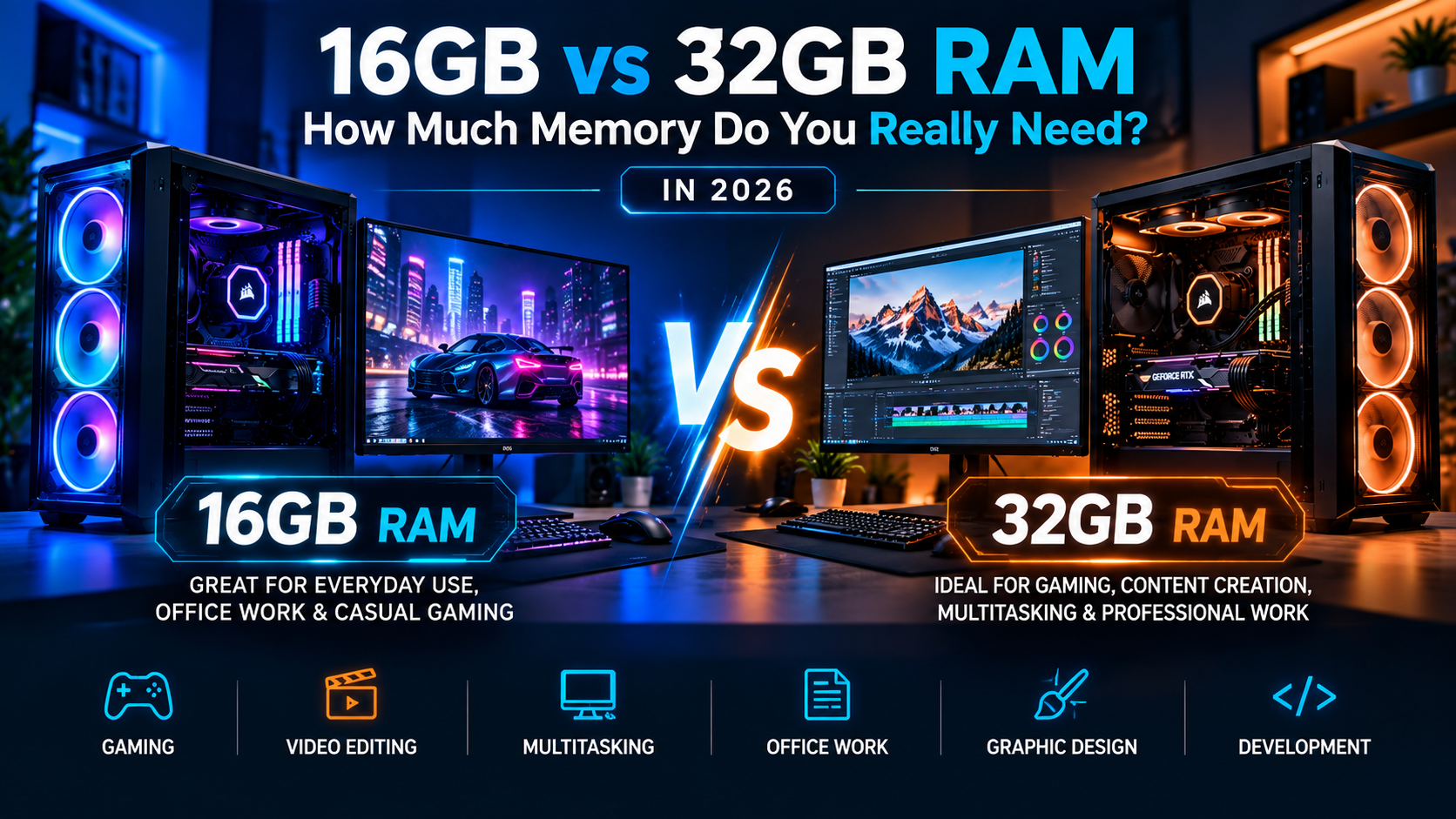
Is 16GB of RAM still enough in 2026, or should you upgrade to 32GB? It’s one of the most common questions people face when buying a new computer or upgrading an existing PC.
With modern games, demanding applications, artificial intelligence tools, and increasingly complex multitasking, computer memory has become more important than ever.
But here’s something many people overlook: More RAM doesn’t automatically mean a faster computer.
At Neutron Computers, we believe in choosing hardware based on your actual needs rather than spending money on specifications you may never use.
In this guide, we’ll explain the difference between 16GB and 32GB RAM, who needs each configuration, and how to make the right decision for your computer in 2026.
What Does RAM Actually Do?
RAM stands for Random Access Memory.
Think of RAM as your computer’s temporary workspace. It stores information that your processor needs to access quickly while applications are running.
When you open multiple browser tabs, play games, edit videos, or run professional software, your computer uses RAM to keep those processes operating smoothly.
The more applications and demanding tasks you run simultaneously, the more memory your computer may require.
When your system runs out of available RAM, it may start using slower storage as temporary memory, potentially causing:
- Slower application performance
- Longer loading times
- Stuttering during games
- Delays when switching between programs
- Reduced multitasking performance
- System responsiveness issues
However, installing additional RAM only delivers a significant improvement when insufficient memory is contributing to your performance problems.
Is 16GB RAM Enough in 2026?
For many everyday computer users, 16GB RAM remains a practical choice in 2026.
If you primarily use your computer for browsing, office work, streaming, online meetings, and general productivity, 16GB will often provide a comfortable experience.
16GB RAM Is Ideal For:
Everyday Computing
Browsing websites, watching videos, checking emails, and using standard desktop applications generally don’t require enormous amounts of memory.
Office and Business Work
Microsoft Office, accounting software, online meetings, and everyday business applications can run comfortably on a properly configured 16GB system.
Students
For research, assignments, presentations, and online learning, 16GB is a sensible starting point for most students.
Casual Gaming
Many modern games run well with 16GB RAM, provided the computer also has a capable processor and graphics card.
General Multitasking
Running a browser, communication applications, music, and office software simultaneously is usually manageable with 16GB.
When 16GB Might Not Be Enough
You may begin noticing limitations when running demanding games alongside background applications, opening extremely large projects, or using memory-intensive creative software.
If your computer frequently approaches its available memory limit, upgrading may help.
Is 32GB RAM Worth It in 2026?
For gamers, content creators, developers, and power users, 32GB RAM is becoming an increasingly attractive configuration.
While 16GB can still handle many tasks, 32GB provides additional breathing room for demanding applications and multitasking.
32GB RAM Is Recommended For:
Modern Gaming
Some demanding games can benefit from additional memory, particularly when running alongside Discord, recording software, browsers, and other background applications.
Video Editing
Working with high-resolution footage, complex timelines, effects, and multiple applications can consume substantial memory.
Graphic Design and 3D Rendering
Large Photoshop projects, 3D modeling applications, and complex design workflows may benefit from 32GB or more.
Software Development
Developers using virtual machines, containers, multiple development environments, and demanding tools can benefit from additional RAM.
Professional Multitasking
If your daily workflow involves many demanding applications running simultaneously, 32GB can help maintain responsiveness.
16GB vs 32GB RAM: Quick Comparison
| Feature | 16GB RAM | 32GB RAM |
|---|---|---|
| Everyday browsing | Excellent | Excellent |
| Office productivity | Excellent | Excellent |
| Online meetings | Excellent | Excellent |
| Casual gaming | Very Good | Excellent |
| Demanding modern gaming | Good to Very Good | Excellent |
| Video editing | Basic to Moderate | Better for demanding projects |
| 3D modeling | Suitable for lighter projects | Better for complex workloads |
| Heavy multitasking | Good | Excellent |
| Virtual machines | Limited by workload | More flexibility |
| Future flexibility | Good | Better |
Important: These are general recommendations. Actual performance depends on your processor, storage, graphics card, software, and workload.
Does 32GB RAM Increase Gaming FPS?
This is where things become interesting.
Many gamers assume doubling RAM from 16GB to 32GB will automatically double gaming performance.
That’s not how computer memory works.
If a game only needs 12GB of system memory and your computer already has 16GB available, upgrading to 32GB may produce little or no improvement in average FPS.
However, if your system regularly runs short of memory, additional RAM may improve:
- Frame-time consistency
- Stuttering during demanding scenes
- Performance while multitasking
- Background application responsiveness
- Overall gaming smoothness
For gamers building a new system in 2026, 32GB is worth considering, especially when the budget allows.
But if your primary goal is higher FPS, upgrading your graphics card or processor may provide a greater benefit.
DDR4 vs DDR5: Does RAM Generation Matter?
RAM capacity isn’t the only specification worth considering.
Modern computers may use DDR4 or DDR5 memory, depending on the processor and motherboard.
DDR4 RAM
DDR4 remains common in many existing desktops and laptops.
It can still provide excellent performance for everyday computing, gaming, and professional tasks.
For compatible systems, upgrading DDR4 capacity may be a cost-effective way to improve performance.
DDR5 RAM
DDR5 offers higher potential memory bandwidth and is used by many newer computer platforms.
It can benefit certain workloads, although the real-world performance difference varies depending on the application and system configuration.
Remember: DDR4 and DDR5 are not interchangeable. Your motherboard and processor determine which memory type your computer supports.
Before purchasing RAM, always check compatibility.
Should You Upgrade Your RAM or Buy a New Computer?
Sometimes, a simple RAM upgrade can extend the useful life of your existing PC.
For example, if your computer has a capable processor, SSD storage, and only 8GB RAM, upgrading to 16GB or 32GB may noticeably improve multitasking.
However, additional RAM won’t fix every performance issue.
You may need a more comprehensive upgrade if your computer has:
- An outdated processor
- A slow mechanical hard drive
- An insufficient graphics card
- Limited motherboard compatibility
- Cooling or thermal performance problems
- Multiple aging components
The smartest approach is to identify what’s actually limiting your computer before purchasing replacement hardware.
What About 64GB RAM?
For most home users and gamers, 64GB is unnecessary.
However, professionals working with demanding software may benefit from larger memory configurations.
Examples include:
- Advanced 4K and 8K video editing
- Large-scale 3D rendering
- Complex engineering simulations
- Multiple virtual machines
- Large datasets
- Certain local AI and machine-learning workloads
If you’re building a professional workstation, memory requirements should be based on your specific software and project sizes.
Our Recommendation: 16GB or 32GB in 2026?
Here’s a simple way to decide.
Choose 16GB RAM if:
You mainly use your computer for everyday tasks, office applications, studying, browsing, and casual gaming.
Choose 32GB RAM if:
You play demanding games, create content, work with professional software, or regularly run multiple memory-intensive applications.
Choose 64GB or more if:
Your professional applications, virtual machines, or complex projects specifically require additional memory.
For many people building a new gaming or performance PC in 2026, 32GB offers an appealing balance of performance and flexibility.
However, a well-balanced 16GB computer can still outperform a poorly configured 32GB system in many tasks.
Upgrade Your Computer With Neutron Computers
Not sure how much RAM your computer needs?
At Neutron Computers, we help customers choose practical hardware solutions based on performance requirements, compatibility, and budget.
Whether you’re upgrading an existing desktop, building a gaming PC, or planning a professional workstation, selecting the right components can make a significant difference.
Our computer solutions include:
- Custom gaming PCs
- Professional workstations
- RAM and SSD upgrades
- Computer diagnostics
- Hardware upgrades and repairs
- Business computing solutions
- Performance optimization
Get More Performance From Your PC
Before spending money on new hardware, make sure you’re upgrading the components that will actually improve your experience.
Visit Neutron Computers at 40 Carl Hall Road, Booth #146, North York, Ontario, or contact us at 647-365-3591 to discuss your computer upgrade needs.
Neutron Computers — Performance. Value. Support.