
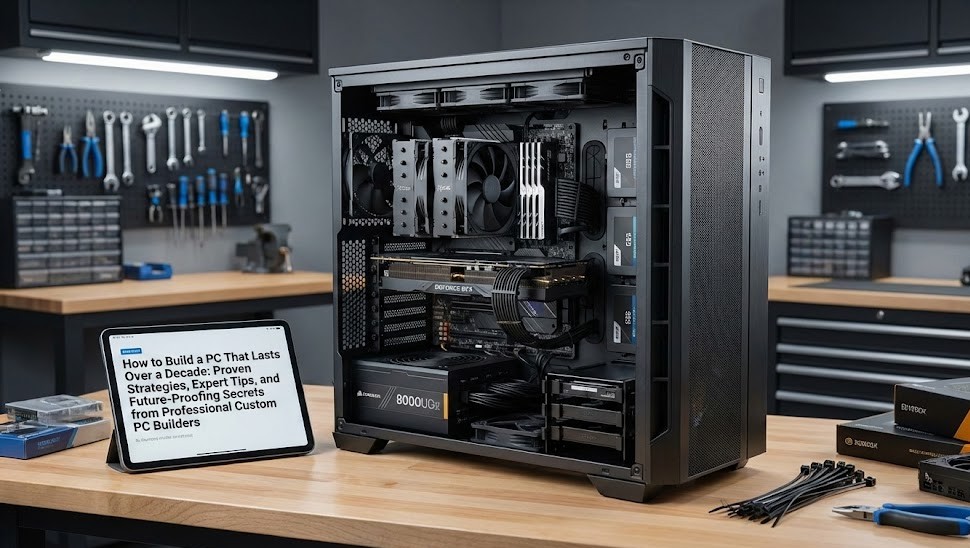
Building a PC that lasts 10+ years may sound impossible in a world where technology evolves at lightning speed. But with the right approach, smart component choices, and a focus on long-term performance, you can create a system that stays powerful, reliable, and upgradable for a full decade or more.
Custom PC builders do this all the time—designing machines that grow with you rather than becoming outdated within a few years. In this in-depth guide, you’ll learn exactly how the pros build long-lasting systems and how you can do the same.
Why Long-Lasting PCs Matter
Whether you’re a gamer, creator, business owner, or everyday user, a decade-long PC offers major benefits:
- Lower long-term cost compared to replacing systems every 3–5 years
- Better performance stability as your needs grow
- Less electronic waste, supporting sustainability
- Fewer interruptions from slowdowns, breakdowns, or aging parts
A well-built machine gives you peace of mind, confidence, and smooth performance for years to come.
The Core Strategy: Build for Today, Upgrade for Tomorrow
A 10-year PC doesn’t mean all original parts will last 10 years—but the foundation will.
Custom PC builders focus on:
- A strong motherboard
- A powerful CPU with long-term socket support
- High-quality cooling to protect components
- Reliable power supply
- A spacious case for airflow & future upgrades
This ensures you can upgrade GPUs, storage, and memory over time without replacing the whole system.
1. Choose a Motherboard Built to Last
The motherboard is the backbone of your PC. If it fails, everything fails.
Tips from custom builders:
- Choose a premium board from top brands (ASUS, MSI, Gigabyte).
- Look for reinforced materials, strong VRMs, and excellent cooling.
- Pick a board with a future-proof socket (important for multiple CPU upgrades).
- Opt for boards that support high-speed RAM, multiple M.2 slots, and PCIe 4.0/5.0.
With the right motherboard, you can upgrade almost anything over the next decade.
2. Invest in a CPU with a Long Upgrade Path
Choose a processor powerful enough for today and capable of lasting through the decade.
What pros recommend:
- Buy mid-to-high-end CPUs, not budget chips.
- Choose CPUs with multi-core performance, which ages better.
- Make sure the CPU socket has future generation support so you can upgrade later without changing your motherboard.
A strong CPU ensures your system remains smooth even as software becomes more demanding.
3. Prioritize a High-Quality Power Supply
Power supplies are often overlooked—but they are critical for longevity.
Choose a PSU with:
- 80+ Gold or Platinum certification
- A reputable brand (Corsair, Seasonic, EVGA)
- Enough wattage to support future GPU upgrades
- Modular cables for better airflow
A reliable PSU protects your whole system from electrical damage and supports upgrades for years.
4. Cooling: The Secret to Long-Term Performance
Heat is the number one enemy of PC components. The cooler your system stays, the longer it lasts.
To build a 10-year PC:
- Use a high-quality air cooler or AIO liquid cooler.
- Choose a case with excellent airflow and plenty of space.
- Install multiple fans (intake + exhaust).
- Replace thermal paste every 2–3 years.
Custom builders rely on proper thermal management to extend component lifespan dramatically.
5. Choose RAM and Storage with Room to Grow
Memory
Start with:
- 16–32GB of RAM
- Leave additional RAM slots free for future upgrades
- Choose DDR5 (or the newest memory standard available)
Storage
For long-term performance:
- Use at least one NVMe SSD as your primary drive
- Add space over time with more SSDs or hard drives
- Choose motherboards with multiple M.2 slots
Upgradable storage ensures your PC stays fast and spacious.
6. A GPU That Stays Relevant
GPUs evolve fast—but you can still build for longevity.
Tips:
- Choose a strong mid-to-high level GPU for current needs.
- Ensure the case and PSU support future GPU sizes and power requirements.
- Upgrade the GPU every 4–6 years without replacing the rest of the system.
This keeps your PC gaming-ready and creator-ready long-term.
7. Choose a Durable, Spacious Case
A good case will last longer than almost any component inside it.
Look for:
- High airflow design
- Strong materials
- Tool-less access
- Room for large GPUs and extra fans
- Dust filters
A well-designed case protects your system and makes upgrades easy for many years.
8. Future-Proof With Modular & Replaceable Parts
To make your PC last a decade:
- Avoid proprietary components
- Choose standard ATX or micro-ATX parts
- Make sure everything is easy to replace
This guarantees long-term flexibility.
9. Keep It Maintained
Even the best-built PC won’t last without care.
Maintenance checklist:
- Clean dust every 2–3 months
- Replace thermal paste every 2–3 years
- Update BIOS & drivers regularly
- Replace dying fans promptly
- Monitor temperatures
Custom PC builders know maintenance extends lifespan dramatically.
10. Plan for Strategic Upgrades
With a strong foundation, you don’t need a new PC—you just upgrade parts over time.
Typical 10-year upgrade timeline:
Year 3–4: More RAM, bigger SSD
Year 4–6: New GPU
Year 6–8: New CPU (if socket supported)
Year 8–10: Replace fans, refresh cooling
Year 10+: Only replace what’s failing
This approach keeps your system feeling new without replacing the whole machine.
Final Thoughts
A PC that lasts 10+ years isn’t about buying the most expensive parts—it’s about smart planning, quality components, and the right upgrade strategy.
By focusing on a strong motherboard, reliable power supply, efficient cooling, and flexible design, you’re building a system that can evolve with you, stay fast, and stay powerful for an entire decade.
This is exactly how professional custom builders create long-lasting, high-performance computers—and now you can too.