
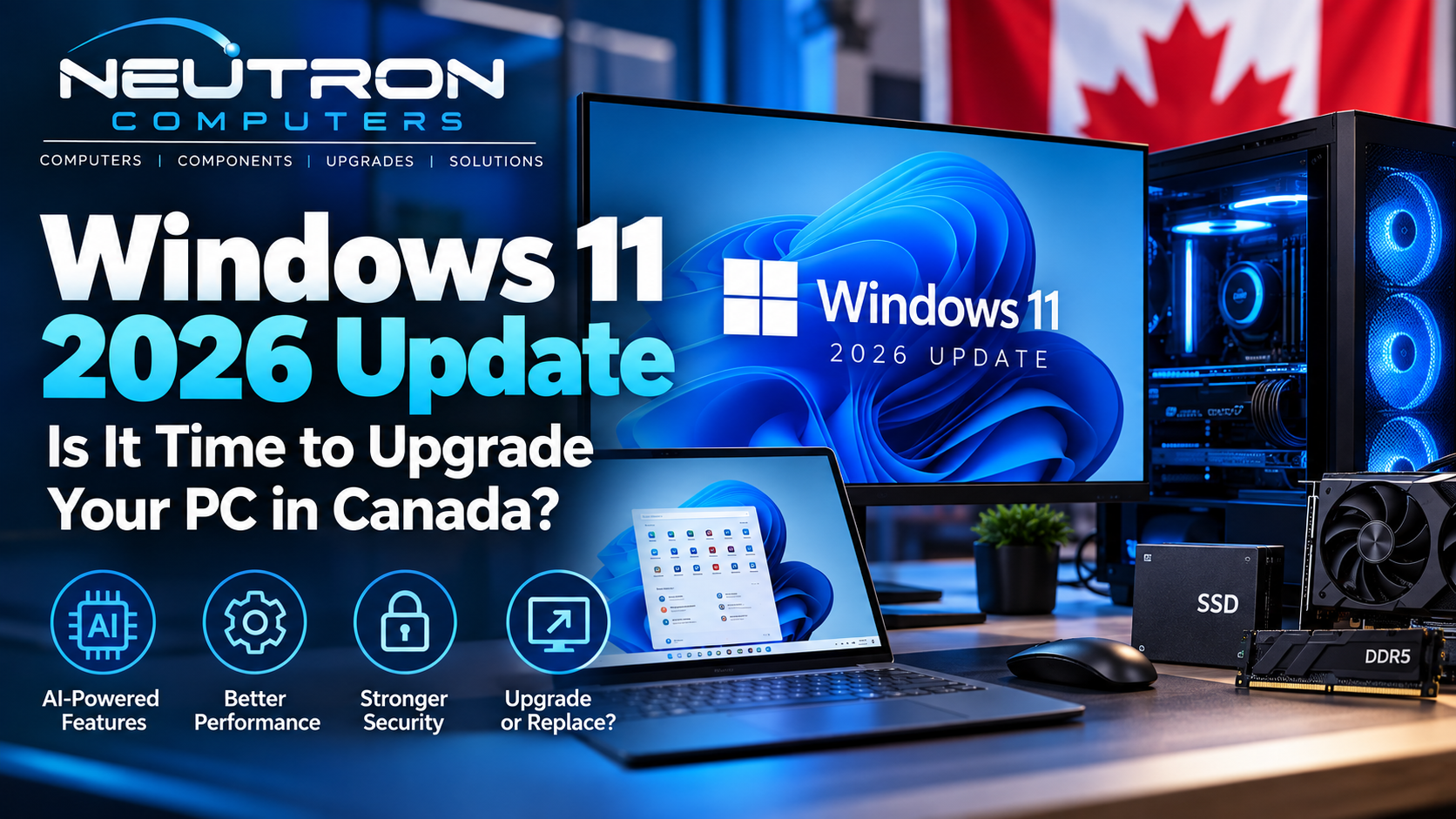
The PC landscape is changing quickly in 2026. Microsoft is rolling out its latest Windows 11 update with new AI-powered features, improved personalization, smarter system tools, and enhancements designed for a new generation of computers.
At the same time, Windows 10 has officially reached the end of standard support, leaving many Canadian home users and businesses with an important question:
Should you upgrade your current computer or replace it with a newer Windows 11 PC?
Here’s what you need to know before making that decision.
What’s New in Windows 11 in 2026?
Microsoft’s Windows 11 2026 Update continues to expand the operating system beyond traditional PC features.
Some of the latest improvements include:
- AI-powered Windows experiences
- More Start menu customization
- Improved taskbar personalization
- AI workload and NPU monitoring in Task Manager
- Improved networking reliability
- Enhanced accessibility features
- New capabilities for supported AI-enabled PCs
For everyday users, many of these changes are designed to make Windows easier and more personalized. For professionals and businesses, the bigger story is how artificial intelligence is becoming integrated directly into modern PC hardware and software.
AI PCs Are Becoming the New Normal
For years, choosing a computer mainly meant comparing the processor, RAM, storage and graphics card.
There is now another component worth understanding: the NPU — Neural Processing Unit.
An NPU is a processor specifically designed to efficiently handle certain artificial intelligence workloads.
Instead of relying entirely on cloud servers or making the CPU and GPU handle every AI task, supported computers can process some AI workloads locally.
This can provide benefits such as faster responses, lower power consumption and greater privacy for applications capable of using local AI processing.
Microsoft has already introduced Windows AI components capable of handling tasks such as language processing, image creation and other machine-learning workloads locally on supported hardware.
Windows 10 Users Should Pay Particular Attention
Microsoft officially ended standard support for Windows 10 on October 14, 2025.
Your Windows 10 computer does not suddenly stop working because support has ended. However, standard Windows 10 installations no longer receive Microsoft’s normal free security updates, feature updates or technical assistance.
Microsoft provides an Extended Security Updates (ESU) program for eligible systems as a temporary transition option.
For many users, however, this is a good time to evaluate whether their existing hardware should be upgraded or replaced.
Should You Upgrade Your Existing PC?
Buying a completely new computer isn’t always necessary.
If your computer already supports Windows 11 and has reasonably modern hardware, upgrading components may provide several more years of useful performance.
Depending on the system, worthwhile upgrades can include:
More RAM
Moving from 8GB to 16GB or more can significantly improve multitasking, particularly when running many browser tabs and productivity applications.
SSD Storage
Replacing an older hard drive with an SSD can dramatically improve boot times, application loading and general responsiveness.
Graphics Card
Gamers, designers, video editors and professionals using GPU-accelerated applications may benefit significantly from a graphics upgrade.
Windows 11 Upgrade
If your hardware officially supports Windows 11, upgrading the operating system may be enough to keep an otherwise capable PC useful.
When Does Buying a New PC Make More Sense?
Upgrading individual components has limits.
A replacement computer may make more sense when your existing machine has an unsupported processor, cannot officially run Windows 11, has several aging components, or requires so many upgrades that the total cost approaches the price of a newer system.
A modern PC can also provide newer connectivity, faster storage, improved energy efficiency and hardware specifically designed for current Windows and AI workloads.
What Specifications Should You Look for in a 2026 PC?
There isn’t one perfect specification for everyone.
Everyday Home & Office Use
For browsing, Microsoft Office, video calls, accounting and everyday applications, consider:
- Modern Intel, AMD or Qualcomm processor
- 16GB RAM
- 512GB NVMe SSD
- Windows 11
- Wi-Fi 6/6E or newer where available
Gaming
Gaming PCs should prioritize:
- Modern multi-core CPU
- Dedicated NVIDIA or AMD graphics
- 16GB–32GB RAM
- Fast NVMe SSD
- Adequate cooling
- Quality power supply
Content Creation & Professional Work
Video editing, graphic design, 3D work and demanding professional applications may benefit from:
- Higher-performance CPU
- 32GB+ RAM depending on workload
- Dedicated GPU
- 1TB+ NVMe SSD
- High-quality display
- Additional high-speed storage
AI-Focused Workloads
If you specifically want to experiment with newer on-device AI capabilities, consider hardware with a capable NPU alongside sufficient RAM, storage, CPU and GPU performance.
Don’t buy a computer simply because the word “AI” appears on the box. The best computer is still the one whose complete hardware configuration matches what you actually need to do.
Upgrade or Replace? Let Neutron Computers Help
Choosing between upgrading and replacing a computer can become confusing, especially as Windows requirements and PC hardware continue to change.
At Neutron Computers, we can help you evaluate your current computer and find the right solution for your needs and budget.
Whether you’re looking for a faster everyday computer, a business workstation, gaming hardware, replacement components, storage upgrades or a new Windows 11 system, getting the right hardware now can save you from unnecessary upgrades later.
Ready to Upgrade?
Before replacing a slow computer, find out whether a simple hardware upgrade could bring it back to life.
And if it’s time for a new system, choose a computer built around what you’ll actually use — not just the latest marketing buzzwords.
Visit Neutron Computers for computers, components, upgrades and technology solutions in Canada.